Mobile

Capture and catch up on the go

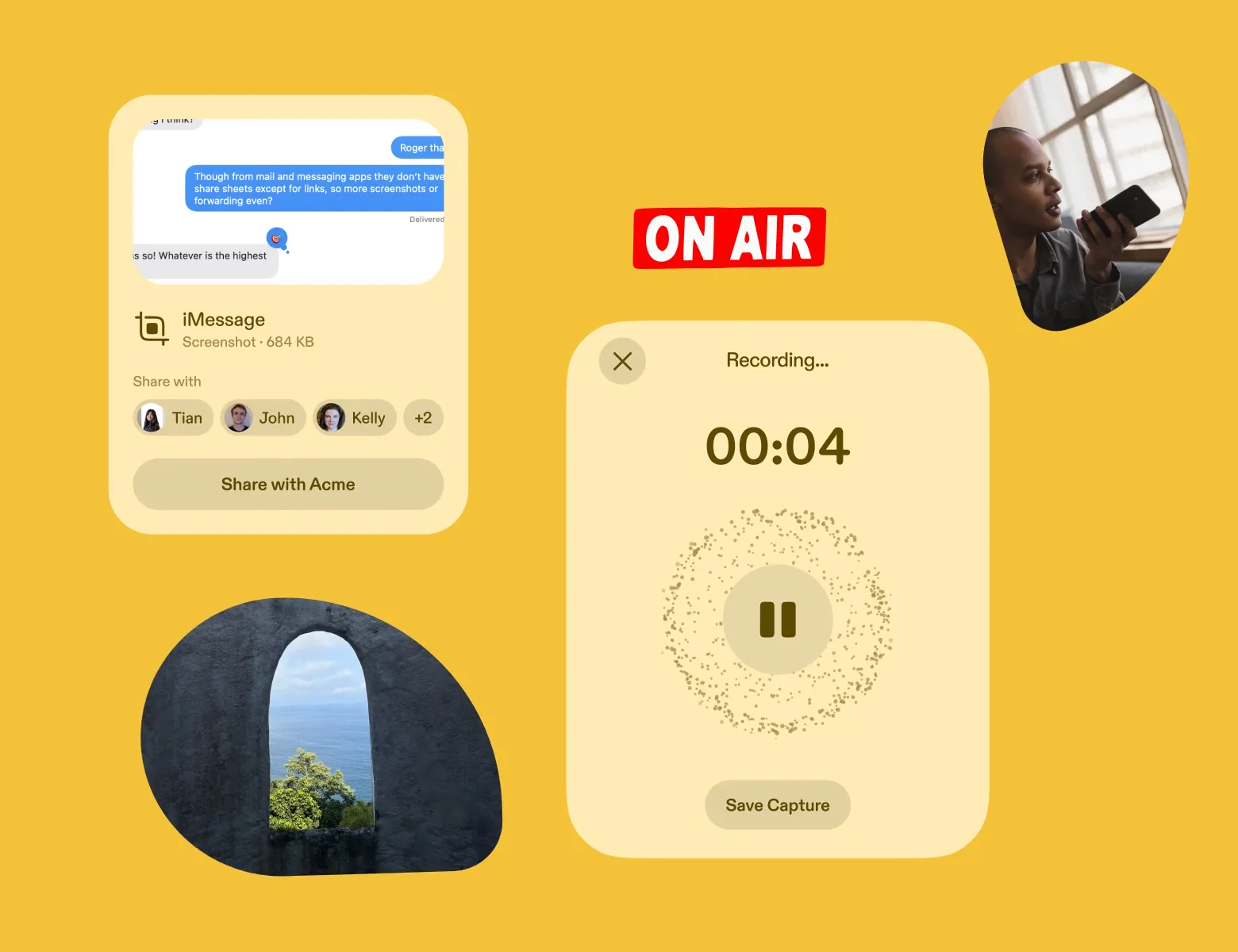
Share a link, a screenshot, or ten minutes of talking before it drifts off into your phone’s archives. It comes back summarized, next to your daily briefing and everything your team shared.

On iPhone and Android. Start with one share: send Scuba a link from any app’s share sheet.

One tap
You save a link, screenshot, photo, or file from any app’s share sheet
90 minutes
You can talk that long in one voice note. You talk about 3x faster than you type.
Every day
Scuba sends your phone a briefing that recaps the key things from the day before
Your whole team
You see every Capture shared with you, and Scuba pings you when someone replies

You capture it in seconds, and catch up just as fast

Never lose a great idea because you were away from your desk. Share it or say it, and Scuba turns it into a Capture your team can build on. Your briefing and Claude or ChatGPT start from it too.

You share it from any app, and Scuba saves it in one tap

Send Scuba a link, a screenshot, a whiteboard photo, or a file from your phone’s share sheet. Each one comes back as a Capture with a summary, highlights, and related Captures and links.

  • Search finds the customer’s text by what it says. Scuba reads the words in your screenshots and photos.
  • Share the link you’d have texted yourself. From Safari, Scuba saves the whole page right away. From any other app, it saves the link, then gets the whole page the next time you’re signed in on your laptop.
  • Share a Capture with your whole team in one tap, and it shows up in their briefings later that day. Or add it to a shared Collection for a project or an area.

You start every Capture. Scuba saves what you share to it, and nothing else on your phone.

A phone with the share sheet open over an article on bloomberg.com. The sheet shows the link, four teammates to send it to, and a row of apps: AirDrop, Messages, Scuba, and Slack. Scuba is the one tapped. A badge under the sheet says Saved to Scuba.
bloomberg.com
What mid-market buyers ask for nowbloomberg.com
AirDropMessagesScubaSlack
CopyReading ListMore
Saved to Scuba

Talk for ten minutes. Your team gets the 30-second summary, tailored to them.

Say the thoughts that would be too much work to type or clean up. You talk about 3x faster than you type, and one voice note runs up to 90 minutes, as messy as you want. Scuba turns it into a cleaned-up summary for you and your teammates. Your AI tools get the full transcript.

  • Share it, and each teammate gets the 30-second version in their daily briefing, tailored to what they work on. Nobody has to press play.
  • Put it to work. Ask about it in a session, or reach it from Claude and your other tools through MCP, the connection that lets them read what’s in Scuba.
  • Pause and pick it back up. On iPhone and Android, a call or an alarm pauses the recording, and Scuba keeps it through a crash.
  • Scuba labels each speaker and spells “Tian” and “sync engine” right. Edit a word that came out wrong, or reshape the summary to the length you need.

You press record, every time. Scuba uses your mic only while you’re recording, never in the background.

A phone recording a voice note by Kelly called Acme debrief, walking back, eight minutes in, with a moving waveform. Under it is Scuba’s two-sentence summary. Below that, Tian comments that he read it in 30 seconds and will take the audit log.

Talk it out

Acme debrief, walking backRecording · 08:35

Summary Price is settled. Dana needs the audit log before her security review in March.

Tian2m

Read it in 30 seconds. The audit log is mine.

Scuba briefs you every day on what you and your team saved

Scuba pushes you a daily briefing that recaps the key things from the day before, next to what’s new on the web. Open it again at lunch and it has moved on.

A daily briefing on a phone. One story says the Acme renewal now turns on the audit log. It is there because Kelly captured the voice note Acme debrief, walking back. It lists two sources and two contributors, and opens with two lines of the story.

Stay aligned and ahead

Daily briefing · 7:30 AM
Acme renewal now turns on the audit logBecause Kelly captured “Acme debrief, walking back”2 sources

Kelly’s debrief and Dana’s text agree. Price is settled, and Dana needs the audit log before March.

Read story1m read

You ask, and Scuba answers from your team’s Captures

Most AI apps open with a blank prompt. A session opens with what your team knows. Start it on your phone and finish it on your Mac.

A session on a phone. Someone types a question about what the team owes a customer before March. Scuba answers in two bullets from six Captures. Under the answer are its two sources: Kelly’s voice debrief and the customer’s text from Messages.
What do we owe Dana before March?
Scuba read 6 Captures
  • The audit log, before her security review.
  • A date for it on the roadmap.
Acme debrief, walking backKelly · Tue
Text from Dana at AcmeMessages · Mon

You see on your phone what you see on your Mac: your own Captures and what teammates shared with you.

Scuba tells you when a teammate shares or needs you

Scuba notifies you when a teammate comments, @mentions you, or adds to a shared Collection. Everything shared with you sits in one feed, each Capture with its summary.

A phone. A push notification from Scuba says Dolapo mentioned you, with the start of her comment. A connector labeled Opens in Scuba leads to the conversation: the voice note Acme debrief, walking back, Dolapo’s comment asking Noah to commit to the audit log by March, and Noah’s reply that Tian has it scoped.
ScubanowDolapo mentioned you@Noah can we commit to the audit log by March?
Opens in Scuba
Acme debrief, walking back
Voice note
Tue
Dolaponow

@Noah can we commit to the audit log by March?

Noahnow

Yes. Tian has it scoped.

Never lose what lands on your phone

Today

  • The customer’s text is a screenshot now. It lives between two holiday photos.
  • You jot down the few things you remember at the end of the day. The rest of the meeting is gone.
  • The feedback customers text your team never reaches anyone else.

With Scuba

  • You share the screenshot in one tap. Search finds it by what it says, next month too.
  • You talk for ten minutes on the walk out. Scuba keeps every word and hands you a clean summary.
  • A teammate shares the customer’s text in one tap. Your whole team reads it in that day’s briefing.

It’s useful alone from the first share. Your team comes in later.

What you learn compounds. Every share and every voice note adds to what your briefing, your sessions, and your AI tools start from.

  1. First two minutes

    Save the thing you’d text yourself

    Get the phone app. Share one link or screenshot from any app, or talk for two minutes about the meeting you just left. A summary comes back, and only you can see it.

  2. First week

    Your briefing and your answers start from what you saved

    You’ve shared a few links and screenshots and recorded a debrief. Your daily briefing recaps them each morning. Ask a session what Dana said about price, and the answer cites your voice note.

  3. First month

    What you learn compounds across every project

    A month of links, screenshots, and debriefs now covers the renewal, the launch, and the market you’re studying. Your daily briefing connects them. You connect Claude or ChatGPT, and they start from all of it.

How teams use it every week

Five people, what each needed done, and what their phone made possible.

The half-baked idea, before it’s gone

A pricing idea shows up on the walk to lunch, and it would be gone by the time you sat down. You talk it through for four minutes and share the voice note. Tian reads the summary and builds on it before you’re back.

A phone with a four-minute voice note called Pricing idea, half-baked, with a one-sentence summary. Under it, Tian comments that it fixes the mid-market stall and offers to model it.

Bring the thought you almost didn’t

Pricing idea, half-baked4 min · just now

Summary Charge per active team, not per seat.

Tiannow

This fixes the mid-market stall. I’ll model it.

You decide what Scuba gets from your phone

You choose what Scuba saves, when it listens, and who sees it.

  • You start every Capture

    Scuba saves what you send it from the share sheet or make in the app. Nothing on your phone is captured in the background.

  • You press record, every time

    Scuba uses your mic only while you’re recording a voice note. It never records in the background, and it never joins your calls.

  • Yours until you share it

    A Capture is visible only to you. You choose when to share it with a person, your team, or a shared Collection. We don’t train models on it, and neither do our AI vendors.

  • Scuba deletes the audio after 28 days

    The transcript stays with the Capture until you delete it. Deleted data leaves our backups within 30 days.

Read how Scuba handles security and privacy

In their words

The details

For the person, or the agent, checking the specifics.

Where it runs
iPhone and Android. Captures, Collections, and sessions sync with the Mac app and the web.
What you can capture
Links, screenshots, photos, and files from any app’s share sheet. Notes and voice notes in the app.
How long you can talk
One voice note runs up to 90 minutes, with pause and resume. On a Mac, you start one from any capture menu.
What you can read offline
On iPhone and Android, your daily briefing opens without a connection. Everything else needs one.
Read how Scuba handles security and privacy

Questions people ask

What it adds, how it works, and where the limits are.

Security and privacy

I use voice in other apps. What does this add?

Voice you dictate into Claude or ChatGPT helps that one chat. Then it’s orphaned there. A voice memo on your phone never gets cleaned up, so nobody reads it.

A Scuba voice note becomes a cleaned-up summary that’s easy to share with your team. You can use it right away: ask about it in a session, or reach it from Claude, ChatGPT, and your other AI tools through MCP. It’s a Capture like any other, so search and your briefing pick it up too.

Does a shared link save the whole page?

Yes. From Safari, Scuba saves the whole page right away. From any other app, it saves the link, then gets the whole page the next time you’re signed in on your laptop, using your browser there. If you share something you already saved, Scuba keeps one Capture, not two.

How does what I save get organized?

Scuba does it. It sorts, searches, and surfaces your Captures for you. When a project or an area needs a shared place, like a product launch or customer research, you add Captures to a Collection from your phone.

What if I need more than 90 minutes?

Start a second note. One voice note stops at 90 minutes, on your phone and on your Mac. You can pause and resume inside a note as often as you like.

When does Scuba use my microphone?

Only while you’re recording a voice note. You press record, every time. Scuba never records in the background. It is not a meeting bot, and it never joins a call.

What happens to the audio?

We delete the audio file after 28 days. The transcript and summary stay, and those are what you search, share, and ask about. If the exact wording matters, check the transcript while the note is fresh.

How does the transcript handle speakers and names?

Scuba labels each speaker and works out names from cues in the conversation itself. When someone says “thanks, Priya,” that speaker becomes Priya. Scuba also knows your teammates and projects, so their names come out spelled right. If it gets one wrong, you can fix it.

Who can see what I save from my phone?

Only you, until you share it. Share with your whole team in one tap, and Scuba puts it in their briefings later that day. Or add it to a shared Collection for a project or an area. Scuba shows you who can see a Collection before you add to it. You can also share with specific people.

Does the Android app do everything the iPhone app does?

Yes, the Android app does it too. You get share-sheet capture, voice notes, the daily briefing, team search, and sessions that sync. Both apps are on the download page.

Get Scuba on your phone