Captures

Never lose a great idea

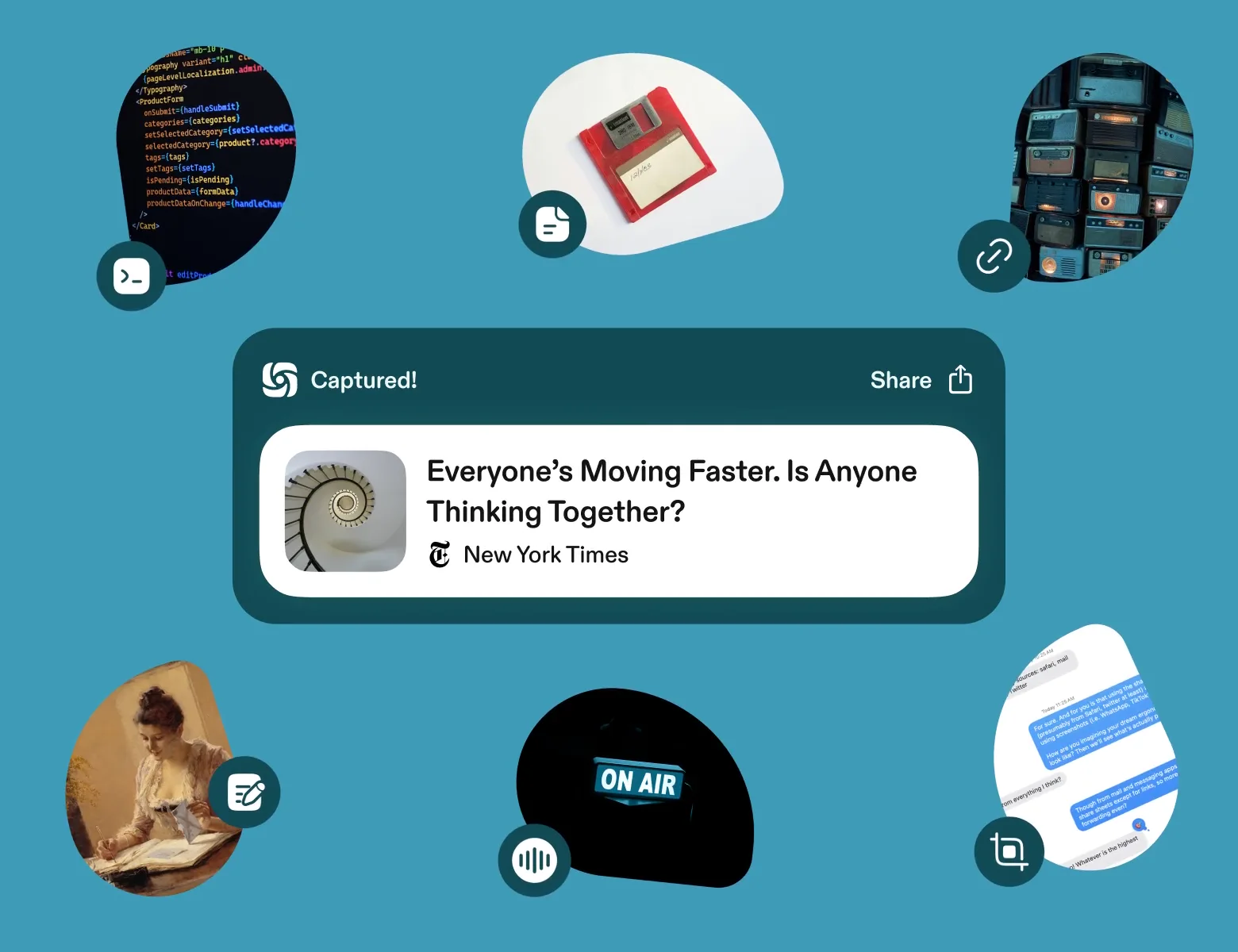
Capture anything in one shortcut, from everywhere you work. Scuba organizes it, you share what matters, and what you learn compounds for you and your team.

Start with the browser extension. Your first Capture takes about two minutes. Works alongside Claude, ChatGPT, and Slack.

Capture in a second, from anywhere
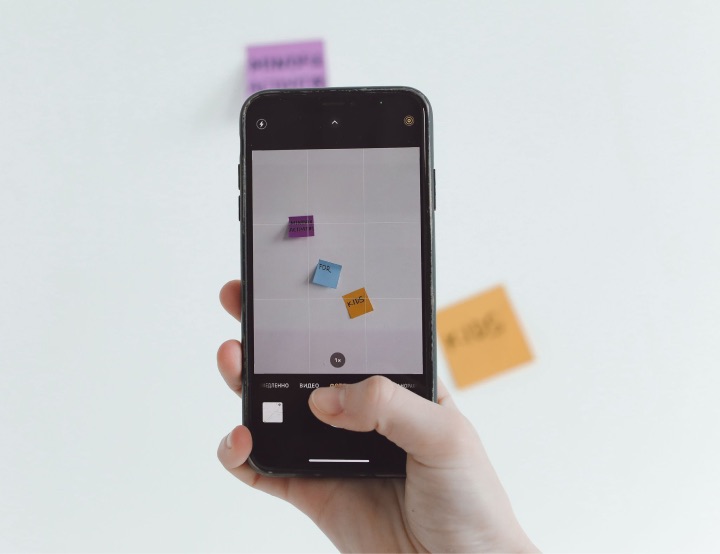
One shortcut on your desktop and in your browser. The share sheet from any app on your phone.
An instant summary, and highlights picked for you
Scuba reads the whole page, file, or transcript. You get the short version and the parts that matter for your role.
Your AI tools read what you capture
Claude, ChatGPT, and Cursor start every chat from your Captures.
Private by default
Yours alone until you share it with a person, your team, or a Collection.

One shortcut captures from any app and any browser tab

Press Cmd+Shift+S in any app on your computer, or in your browser with the Scuba extension. Scuba saves the full content in front of you, not a link to it.

  • In your browser, the extension saves the full article, doc, or thread. For a video, it saves the transcript.
  • With a file open, you get the file itself, every page of it.
  • In Messages, Slack, or any other app, Scuba takes a screenshot and reads the text in it.
  • Away from your desk, use the share sheet or a voice note on your phone.

You start every Capture. Scuba saves only what you capture.

The capture shortcut’s keys light up one after another. Below them, one morning’s Captures: an article from a browser, a customer’s text from Messages, and a PDF.
⌘⇧S

In any app, and in your browser

The end of the all-hands
Chrome · 4,200 words
10:34 AM
Text from Acme’s head of ops
Messages
10:41 AM
Q3 board deck.pdf
PDF · 28 pages
10:52 AM

Your open tabs and screenshots finally go somewhere useful

Keep the key articles, screenshots, docs, videos, threads, texts, and notes, and you never lose a great idea. Scuba summarizes each one, so what you learn compounds.

Scuba reads every Capture in full and summarizes it in seconds

Scuba writes the summary the moment you capture

Scuba reads all 96 pages so you can start with three lines. The original stays a click away. Your daily briefing builds on the same summary.

A captured 96-page report with its summary streaming in, seconds after it was captured.
AI Trends Report, 2026 edition.pdf
Enterprise AI budgets doubled this year. Most of the new spend went to agents that still don’t know how the company works.
PDF · 96 pages
just now
96 pages read. Summary ready.

Scuba picks highlights for your role and links what’s related

A teammate reading the same PDF gets their own highlights. Under them, Scuba links the Captures you already have on the subject, including ones from a shared Collection.

Two highlights from the report picked for a product lead, then two related Captures and a related link.

Highlights for you, a product lead

Teams name “context, not model quality” as the top blocker. Page 41 has the survey numbers.
Two of the vendors on your competitor list are profiled in the appendix.

Related Captures and links

Walk home: what if onboarding started in Slack?#research: what buyers ask about agentsLast year’s edition of the same report

Scuba finds it from half a memory

Type what you remember, in your own words. Scuba answers in a sentence and shows the Captures it came from. A session draws on the same Captures when you want to go deeper.

A search for what Acme said about seats returns a short written answer and the two Captures it came from.
what did acme say about seats
From 2 Captures since SeptemberPer-seat pricing is what’s holding Acme back. They’ll renew if pricing moves to usage.
Text from Acme’s head of ops
Messages
Sep 18
Walking to planning: the Acme renewal
Voice note · 6 min
Oct 2

Add a note, and Scuba writes the summary around it

Say why you saved it. Scuba combines your note with the content and writes the summary from both. Change its length or format, and it’s ready to share with your team or in a Collection.

A person’s note on a captured article sits above the Capture. The summary reflects the note, set to short length and a brief for Slack.
Your noteFor Kelly: this is the case for moving Acme off seats.
What we learned moving to usage-based pricing
Why this matters for Acme: a monthly minimum protects revenue from teams that log in twice a month. The post shows how one company set theirs.
Substack
just now
Length: short · Format: brief for Slack

A Capture stays private until you share it. Sharing with your whole team takes one click.

The shared memory your team has been missing

Today

  • The tab stays open for three weeks. Then the browser restarts.
  • The customer’s text becomes a screenshot, filed by date with 10,000 others.
  • The best answer you got from Claude is stuck in a chat you can’t find.

With Scuba

  • Capture it in one shortcut and close the tab. The summary is waiting when you look.
  • Search for what the customer said, not the date they said it. No filing needed.
  • Ask Claude to save the answer to Scuba. Your team and your other AI tools can build on it.

It works on day one, on your own. Your team builds on it later.

  1. First two minutes

    Finally capture those tabs, and close them

    Add the browser extension. Select the tabs you’ve kept open for weeks and capture them together. Each one has a summary before you close the last. Add the phone app when you want it.

  2. First week

    A sounding board that has read everything you saved

    You need to draft a new proposal. Open a session and think it through out loud. The answers are grounded in your Captures, and cite the ones they used.

  3. First month

    Your team and your AI tools build on it

    A teammate shares a Collection, and your daily briefing starts connecting what you both saved. You connect Claude or ChatGPT, and they read what you captured.

What real people capture every week

Five people, what each needed to get done, and what capturing made possible.

The customer text at 11pm

A customer says what’s really blocking the renewal, and it would die in your camera roll. Share the screenshot to Scuba from your phone and add it to the account’s Collection. Your team walks into the pricing meeting having read it.

A phone shows a customer’s text in Messages. Beside the phone, the screenshot of that text is a Capture in Scuba.

Dana · Acme

honestly the thing holding us back is seats. half my team only needs it twice a month

Captured from Messages
Screenshot: Dana at Acme on seats
Messages
11:04 PM

You decide what’s worth capturing

You choose what Scuba saves, who sees it, and how long it stays.

  • You start every Capture

    Scuba saves what you capture, when you capture it. There’s no passive screen, mic, or webcam recording.

  • Yours until you share it

    A Capture is visible only to you. You choose when to share it with a person, your team, or a shared Collection.

  • Your data stays out of model training

    We don’t train models on your data, and neither do our AI vendors.

  • Deleting removes it everywhere

    A deleted Capture disappears right away, for everyone. It leaves our backups within 30 days.

Read how Scuba handles security and privacy

In their words

The details

For the person, or the agent, checking the specifics.

Where you can capture
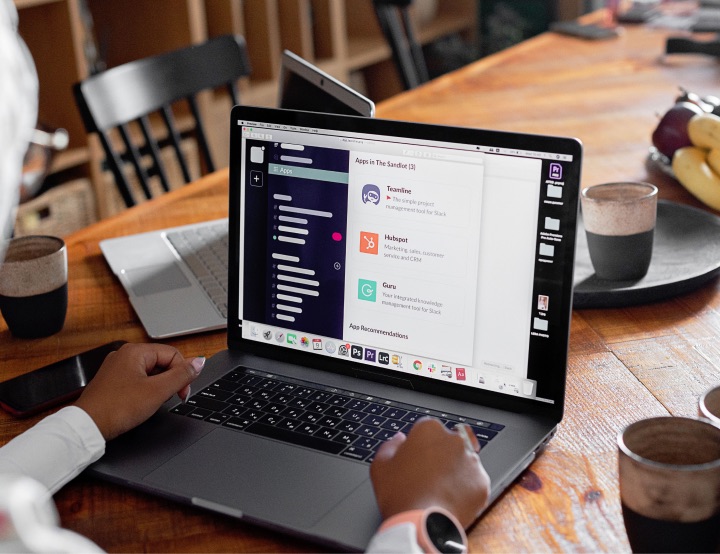
Cmd+Shift+S in any app on your computer, the browser extension, and the phone share sheet. Also @Scuba in Slack and any AI tool connected to Scuba.
What you can capture
Web pages, files, screenshots, voice notes, written pages, Slack threads, Google Docs, videos with transcripts, and chat outputs.
Summary controls
Three lengths, and formats including TL;DR, outline, FAQ, comparison, and a brief for Slack. Your choice stays when you share to a Collection.
Voice notes
Up to 90 minutes, with a full transcript and a summary. Audio is deleted after 28 days. More on mobile.
Staying current
Capturing a page again updates the Capture you have. Saved Google Docs and Notion pages refresh when you revisit them, if they changed.
Finding it again
Search in your own words, ask a session, or let your daily briefing bring it back.
Read how Scuba handles security and privacy

Questions people ask

The ones we hear most, answered straight.

Security and privacy

I already use Claude or ChatGPT. What does this add?

The messy context that fuels your work. The customer’s text. The half-read PDF. The voice note from your walk home. Most of it never reaches a chat window. Scuba captures it in one shortcut.

Then your team can use it. Share a Capture with everyone in one click, or add it to a shared Collection.

And it goes where you go. Connect Claude, ChatGPT, or Cursor to Scuba and each one reads your Captures when you ask it something. Switch tools, and your context comes with you.

Isn’t capturing one more thing to remember?

No. You already do it. You bookmark links and send them to people. You take screenshots. You write Apple Notes and emails to yourself.

Scuba is one shortcut for all of them: Cmd+Shift+S. And this time they come back. Scuba summarizes each one, finds it when you search, and returns it in your daily briefing.

Do I have to organize my Captures?

No. Search and sessions work without any filing. When Scuba sees a fit, it suggests a Collection, and you take it in one click.

What controls does the browser extension have?

You decide every page it saves. The extension captures a page when you click it or press Cmd+Shift+S.

It uses your open tabs and browsing history to suggest pages worth capturing. Those suggestions are worked out locally, in your browser, and stay on your computer. Your browser asks for broad permissions because capturing a page means reading it.

Auto-capture is optional and off by default. You turn it on one site at a time, and it waits until you’ve spent real time on a page. It shows a notice each time it saves, and you can cancel it or delete the Capture. Our security page has the rest.

Is a Capture a screenshot, or the real thing?

The real thing, wherever Scuba can get it. From a browser that’s the full text of the page, including pages behind your own logins. From Finder it’s the file. For a video it’s the transcript. For a voice note it’s the full transcript, up to 90 minutes of it.

In other apps, Scuba takes a screenshot and reads the text in it, so it’s still searchable. Pages that are mostly images come through less well than pages that are mostly words.

Who can see what I capture?

Only you, until you share it. You can share a Capture with specific people, with your whole team in one click, or by adding it to a shared Collection. Scuba tells you who can see a Collection before you add to it.

Links for people outside Scuba are off by default, and you can turn one off after you make it.

How long does setup take?

About two minutes for the first Capture. Sign in, add the browser extension for Chrome, Safari, or Edge, and capture the tabs you have open.

The desktop app, the phone app, and the connections to Claude, ChatGPT, and Slack are each a separate step. Add them when you want them.