
Briefings and search

Stay aligned and ahead

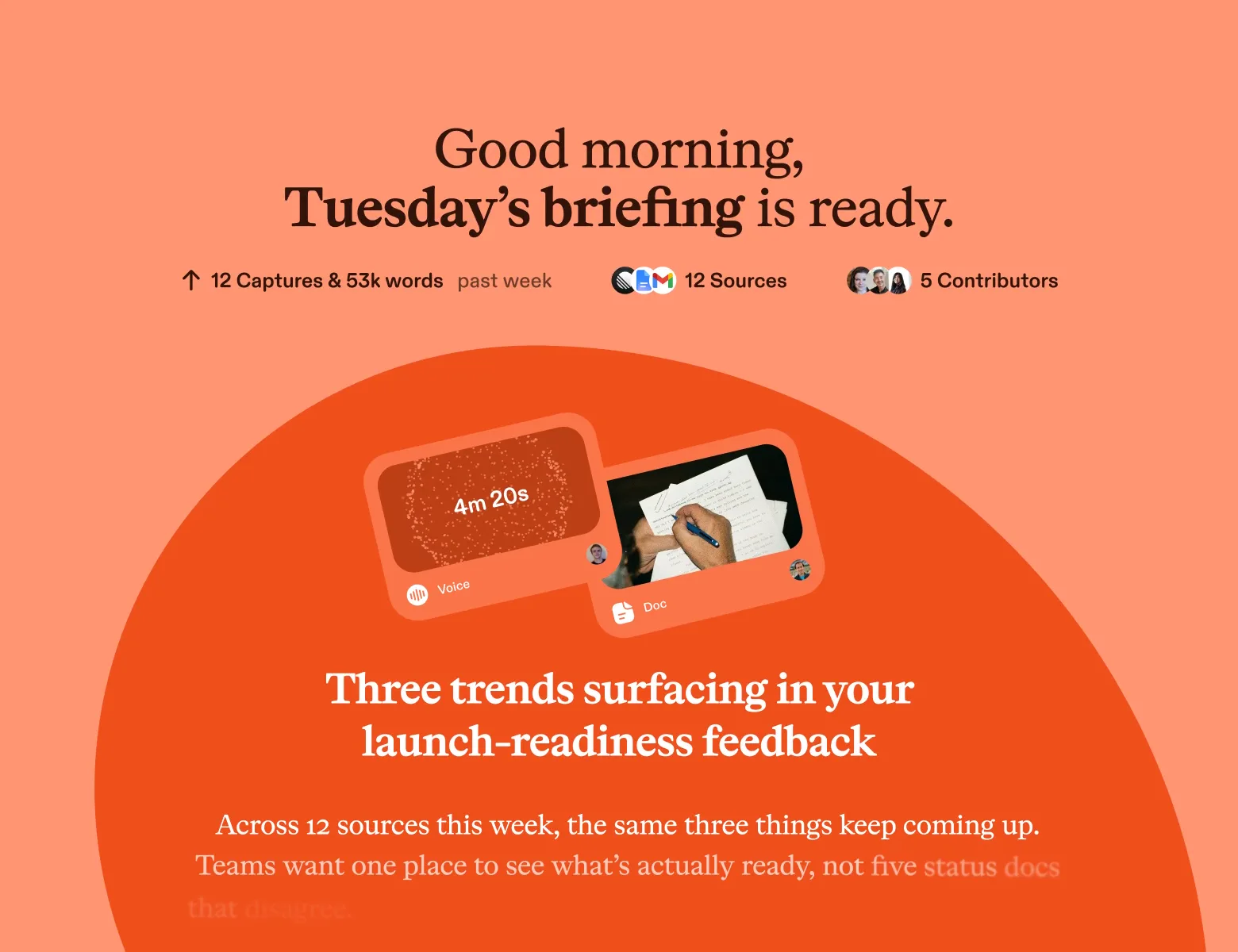
Scuba works while you sleep, so you wake up smarter, already knowing what your team learned and what changed in your world.

Pick a few topics and you’re set up. It takes about two minutes.

You’re caught up in under five minutes
One short page on what your team learned and what changed on the web for your work. Scuba writes it before you ask.
Scuba brings you what your team learned
What a teammate shares is in your briefing later that day.
Scuba scours the web for you
It picks new reads from your profile, your Captures, and your interests.
Your briefing updates all day
It updates as you and your team capture. Each morning Scuba pushes you a recap of the day before.

A chat waits for your question. Scuba writes your briefing first.

Scuba is the thought partner that connects the dots before you ask. Your briefing updates through the day as you and your team capture. Each morning Scuba pushes you a recap of the day before.

You’re up to speed in under five minutes

One short read tells you what your team learned and what changed on the web. Then go as deep as you like. Every story opens onto the source material behind it.

  • Open any story to read its sources: the Captures behind it and the articles themselves.
  • Scuba pulls fresh content from the web as it happens, so your briefing is current whenever you open it.
  • Go deeper on any story in a session. Ask a question, get a draft, or plan next steps.

Scuba cites the sources on every story. On a quiet day, your briefing is short.

A briefing, updated at 2:14 PM, with two stories. The first is from the web: buyers now ask for a usage cap before they ask for a discount. It says it was written because you captured Halden’s new pricing page, lists three sources, and has a photo, a few lines of text, and a Read story button. A hand-drawn divider follows. The second comes from a teammate: three customers asked for a usage cap this week. It was written because Kelly captured a Northfield call, and it lists four sources from three contributors.

Thursday · updated 2:14 PM

Buyers now ask for a usage cap before they ask for a discountBecause you captured “Halden’s new pricing page”3 sources

A conference talk and two pricing essays landed on the same point this week. Procurement wants a ceiling on the bill before it wants a lower price. Halden’s new page leads with exactly that, and it’s the cap Acme asked you about on Tuesday.

Read story1m read · 324 words
Three customers asked for a usage cap this weekBecause Kelly captured “Northfield call: seats if overages had a cap”4 sources3 contributors

Acme, Northfield, and Brightline each raised it. The calls were Kelly’s, Tian’s, and Dolapo’s. Nobody had put them side by side until now, and together they read like one request.

Read story2m read · 410 words


Scuba brings you what a teammate learned, the same day

Later that day it’s a story in your briefing, with their name on it. A teammate shares a Capture with the whole team in one click, and Scuba handles who sees it. Or they add it to a shared Collection for a project or an area.

Kelly’s voice note from a Northfield call. A connector labeled “Shared with the team” leads to a story in Tian’s briefing that afternoon: Northfield would add seats if overages had a cap, written because Kelly captured the call.
Northfield call, notes from the car
Voice note · 4 min
8:40 AM
Shared with the team
Northfield would add seats if overages had a capIn Tian’s briefing because Kelly captured “Northfield call, notes from the car”2 sources2 contributors

Their buyer wants the cap in writing before the renewal. You heard the same from Acme two weeks ago.

Read story1m read · 280 words

A Capture stays private until its owner shares it. Private Captures never reach anyone else’s briefing.

Scuba scours the web and brings you what’s new for your work

You get a few new reads, each with a line on why it matters to you. Scuba picks them from your profile, what you capture, and the topics you follow.

Nick works at Scuba and follows the topics AI at work and team memory. Under that line is one story Scuba wrote for him from the web: why most AI rollouts at work stall after the pilot. It was written because he follows AI at work, lists three sources from YouTube, Substack, and X, and says why it matters to his team.
NickWorks at Scuba · follows AI at work, team memory
Why most AI rollouts at work stall after the pilotBecause you follow “AI at work”3 sources

A Substack essay and a YouTube talk make the same case this week. Pilots stall when the tool can’t see what the team already knows. That is the gap your team is building for, and both name it in plain terms.

Read story2m read · 390 words

You turn any story into a draft, with its sources already loaded

Be an editor, not a first drafter. Start a session from a story and ask for a draft, feedback, or next steps. Scuba has read the story’s sources, so one line is enough. It works from your phone too.

A briefing story: three customers asked for a usage cap this week. A connector labeled “Start a session” leads to a typed prompt asking for a one-page case for a usage cap. Scuba answers in two points from the story’s four sources.
Three customers asked for a usage cap this weekBecause Kelly captured “Northfield call, notes from the car”4 sources3 contributors
Start a session
Draft a one-page case for a usage cap
Scuba read this story’s 4 sources
  • Three customers asked in one week, and Northfield would add seats for it.
  • The objection is the surprise bill, not the price.

You follow topics and give feedback, and Scuba adjusts

Add, edit, or remove a topic any time. Give feedback on any story and Scuba adjusts what it shows you. The more you capture, the closer the stories get to your work.

Two groups of topics. The first, “Topics you follow,” has nine: usage-based pricing, a competitor called Halden, mid-market finance teams, AI agents at work, the EU AI Act, the German market, a founder’s newsletter, developer tools funding, and customer onboarding. The second, “Suggested for you,” has five more in dashed outlines, each with a plus to add it: team memory, overage billing, Corvid, SOC 2 audits, and AI coding agents.

Topics you follow

Usage-based pricingHaldenMid-market finance teamsAI agents at workEU AI ActThe German marketA founder’s newsletterDeveloper tools fundingCustomer onboarding

Suggested for you

Team memoryOverage billingCorvidSOC 2 auditsAI coding agents

The monthly all-hands is too slow and too generic. With Scuba, your team is in sync every day.

Today

  • Alignment is a monthly all-hands. One deck for the whole company, the same for every role.
  • It’s out of date within a week.
  • In between, managers spend their days relaying what one person learned to the next.

With Scuba

  • Everyone on your team starts every day in sync. Scuba brings each person what the others learned.
  • Scuba writes each briefing for one reader, about the work in front of them.
  • Managers stop being the hub. Scuba does the relaying.

It’s useful on your own and better with a team

From day one Scuba finds what’s new on the web for you. As your team shares, the same page helps all of you move smarter together.

  1. First two minutes

    You pick a few topics

    A market, a competitor, an area you want advice in. That’s the whole setup. Scuba starts scouring the web for you.

  2. First week

    Scuba finds the reads you’d have missed

    You see the competitor’s launch before anyone asks if you saw it. Each morning a recap of yesterday is waiting. What a teammate shares is in your briefing that day.

  3. First month

    What you learn compounds across your team

    One person’s customer call sharpens another’s plan. A story connects this week’s call to research a teammate captured months ago. You connect Claude or ChatGPT, and take a story’s question to the tool you already use.

How teams use it every week

Five people, what each needed to know, and what a five-minute read made possible.

The latest on the launch, in one read

You’re writing the launch post, and the facts keep moving. Your daily briefing brings you the latest from product, research, and engineering in one read. You write from what’s true this morning.

A phone with a gold screen and the heading “Here’s what mattered yesterday.” The daily briefing shows one story: Spring launch holds for the 14th, with a shorter setup. It recaps the Spring launch Collection, and it lists five sources from product, research, and engineering.

Here’s what mattered yesterday

Daily briefing · 7:30 AM
Spring launch holds for the 14th, with a shorter setupRecap of your Collection “Spring launch”5 sources

Product cut the import step. Research found new users stall at invites. Engineering says the 14th still holds.

Read story1m read

You decide what it draws on

Scuba makes your briefing from what you chose to capture, share, and follow.

  • You choose everything Scuba reads

    Scuba doesn’t read your email, your calendar, or your Slack channels. It works from what you chose to capture, what teammates shared with you, and the public web. Some assistants read everything by default. Scuba reads what you give it.

  • Your briefing is yours alone

    Scuba writes it only from Captures you can see: your own, and what was shared with you.

  • Scuba cites every source

    Each story names what it drew on. Click a source to see where it came from and the excerpts Scuba used.

  • Your data stays out of model training

    We don’t train models on your data, and neither do our AI vendors.

Read how Scuba handles security and privacy

In their words

The details

For the person, or the agent, checking the specifics.

By email
Twice a week. A look ahead on Monday and a look back on Friday.
Where you read it
The Mac app, the web app, and the iPhone and Android apps. On Windows, use the web app.
On iPhone and Android
It loads right away, works offline, and refreshes in the background.
What it’s made from
Your Captures, what teammates shared, your Collections, and new pages from the public web.
Topics
Markets, competitors, milestones, or areas you want advice on. Scuba suggests more from what you read.
Instant briefings
Scuba sends one after you capture, when it finds a connection. Ten tabs captured at once make one briefing.
Copying a story
It keeps its formatting in Google Docs, Notes, and other apps.
Search
Plain language, with time frames. A quick answer, then the Captures. Limited to what you can see.
Read how Scuba handles security and privacy

Questions people ask

The ones we hear most, answered straight.

Security and privacy

I already use Claude or ChatGPT. What does this add?

The messy context that fuels your work, read for you. The customer call. The thread you weren’t in. The pricing page a teammate saved. A general chat has never seen any of it. Scuba writes your briefing from it before you ask.

Your team is in it too. A teammate shares a Capture in one click, and it reaches you the same day.

And it goes where you go. Connect Claude, ChatGPT, or Cursor to Scuba and they read the same Captures. Take a story’s question to the tool you already use.

Is this one more newsletter to keep up with?

No. You already do this the slow way. You skim Slack, open the newsletters, and ask around for what you missed. Your briefing does that reading for you, and it has one reader. A quiet day makes a short briefing. You can also mute a Collection you don’t need to hear about.

How does Scuba decide what to find on the web?

It goes by three things. Your profile says who you are and where you work. Your Captures show what you’re working on now. Your topics name what you follow, like a market or a competitor. Someone else at your company, following the same topic, gets a different read.

Can one story mix my team’s material with the web?

Yes, and it says which it drew on. That’s how you tell your team’s thinking from outside news. Open a story to see its sources, the top Captures behind it, and the analysis from the web.

How does it handle things that change over time?

Scuba tracks the changes and tells you about them. It follows how things move across your Captures: a plan that moved, two Captures that disagree, a customer who shifted position.

Your briefing brings you the conflict or the shift without you asking. The sources on the story show what changed and when.

Can my teammates see my briefing?

No. Scuba makes a teammate’s briefing from what they can see, and your private Captures never reach it. That holds for instant briefings and for search too.

Will it repeat itself or go stale?

It can on a quiet week, and here’s what we do about it. Scuba removes stale stories, and stories whose sources were deleted. When there isn’t much new, the briefing is short.

Give feedback on any story and Scuba adjusts what it shows you. The briefing gets better the more you and your team capture, because it has more to connect.

Will it flood me with notifications?

No. You get one push each morning. Scuba sends an instant briefing only when a new Capture connects to something worth knowing, on the device you’re using. It groups notifications so they don’t pile up, and tapping one opens the briefing.

Does Scuba read my email, calendar, or Slack?

No. Scuba doesn’t read your inbox, your calendar, or your channels. In Slack, @Scuba sees only the threads where someone mentions it.

It reads only what you capture, and you capture selectively. Keep a Capture for yourself, or share it with your team or a Collection.

A Slack thread or a doc shows up in a briefing only after someone captured it and you can see it. Read more about how Scuba protects your data.